Skills Need a Browser
Before the web, information was siloed on individual machines. Hyperlinks and browsers changed everything. AI skills are at the same inflection point — the capabilities exist, but there is no execution layer for ordinary people. We are building it.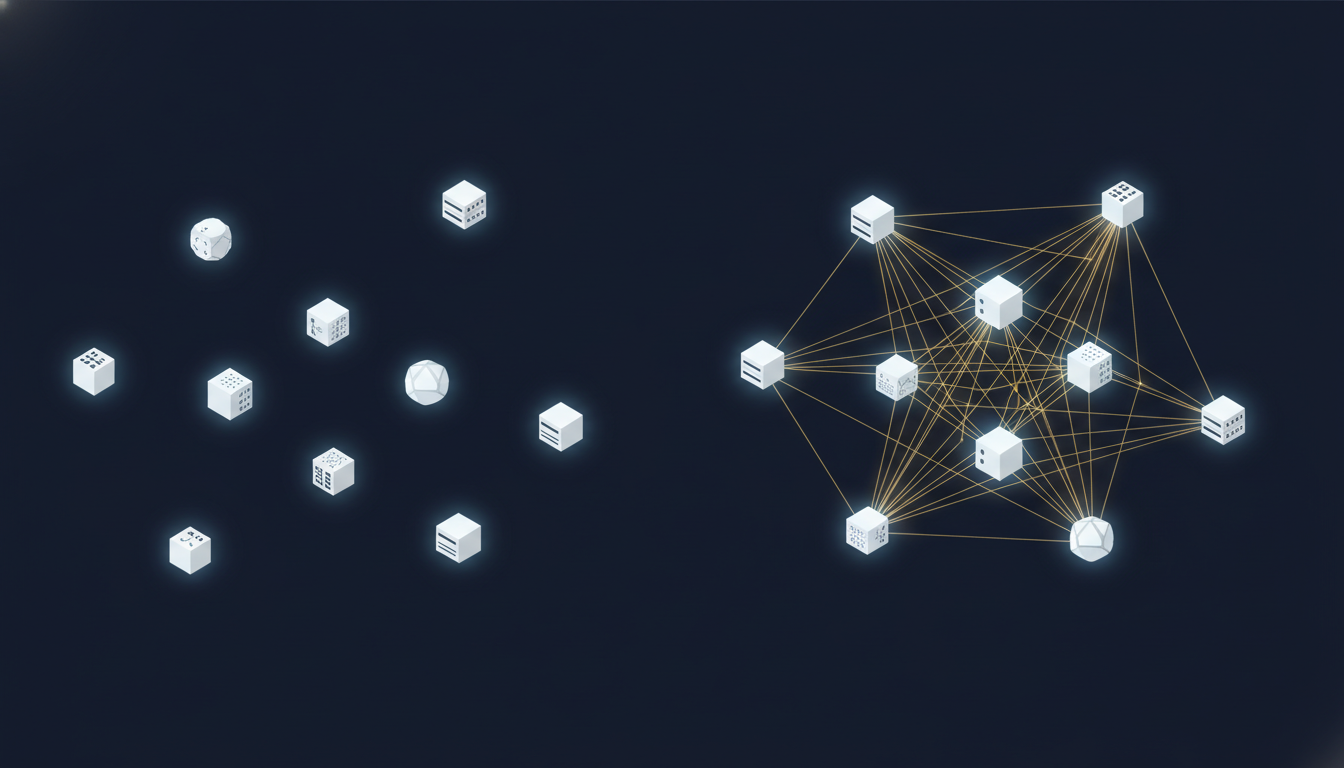
Before the World Wide Web, information was isolated.
Your files lived on your computer. Your company's data sat on your company's server. University papers were trapped inside campus networks. The information existed — it was just locked inside individual machines with no connections between them.
Then Tim Berners-Lee did one thing: he defined the hyperlink protocol.
A hyperlink is stunningly simple. It is an address. You click it, and a browser finds the content at that address and renders it for you. That's it. No magic. But this single mechanism turned every piece of information on every connected machine into one interconnected web.
But links alone weren't enough. You also needed something to run them.
That something was the browser.
Hyperlinks define where content lives. Browsers are responsible for making it run. Without a browser, a hyperlink is just a string of characters. Without hyperlinks, a browser has nowhere to go. You need both.
This structure — an open addressing protocol plus a universal execution layer — is the most important architecture of the past thirty years of the internet.
We believe AI skills are replaying the same story.
A Skill Is a Link
Let's be precise about what a skill actually is.
Strip away all the packaging, and a skill is an instruction. It tells an AI agent: "Here is a set of capabilities. The code is at this location. Please install it and use it in this way."
In other words, the core of a skill is an address plus a set of instructions.
This is strikingly similar to the structure of a hyperlink. A URL is nothing more than an address plus a protocol. The URL itself contains no content — the content lives on a server somewhere. All the URL does is tell the browser: "Go to this location and fetch what's there."
A skill works the same way. The skill itself doesn't do anything. It describes a capability — the code might be hosted on GitHub, in a registry, on someone's personal website. All the skill does is tell the agent: "Go to this location, install this capability, and use it."
Right now the AI community already has thousands of skills. Deep research, data analysis, code generation, browser automation, document processing, stock analysis — you name it. And the number is exploding, because the barrier to writing a skill is low. Any developer can spend a few hours packaging their expertise into a skill and publishing it online.
The information is already out there. The links already exist.
But most people can't use them.
The Missing Browser
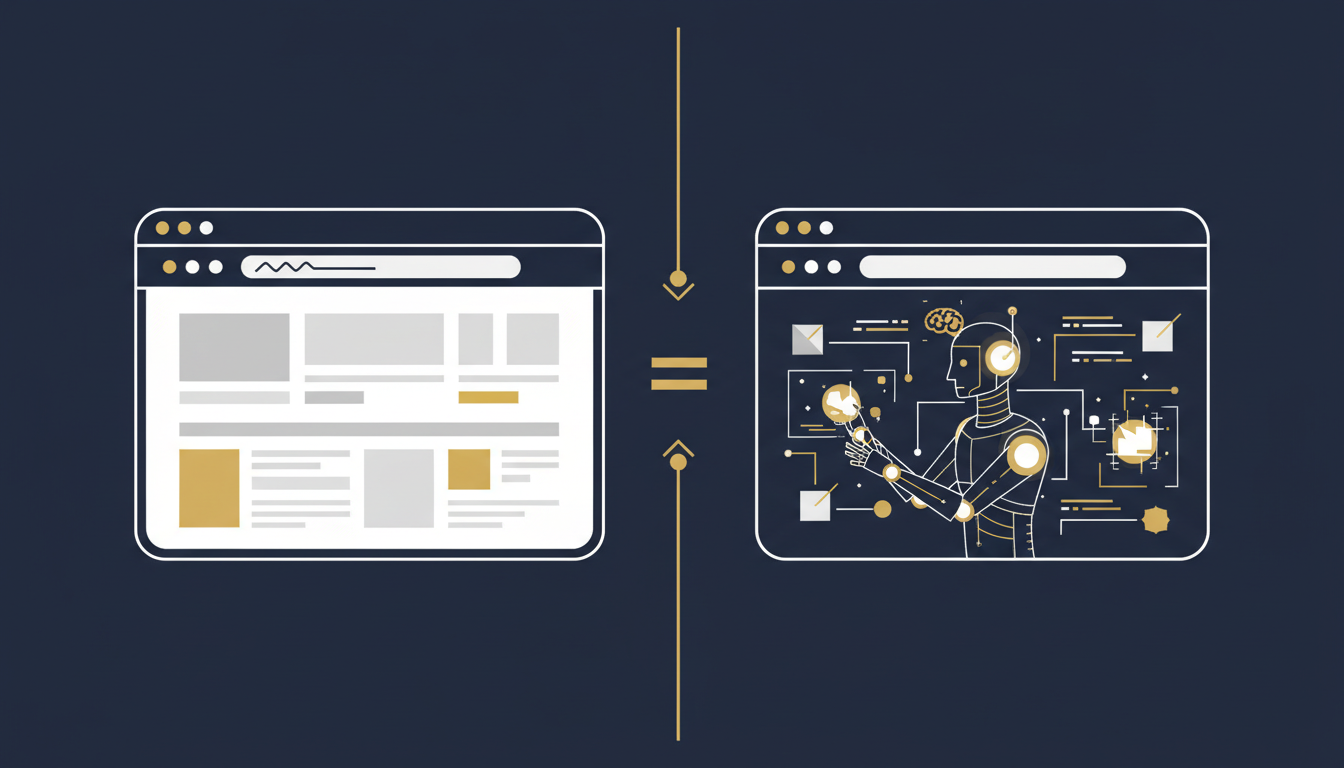
The problem isn't with the skills themselves. The problem is that running a skill requires too much.
You need a machine with the right environment set up. You need the correct runtime versions installed. You need API keys and environment variables configured. You need an AI agent — Claude Code, Cursor, Codex, or something else — and then you need to tell it where to find the skill, how to install it, and how to run it.
This is like 1990, when you wanted to read a document stored on another server. You had to figure out the server's IP address, manually establish a TCP connection, parse the HTML yourself, and render it on your own. Technically possible. Practically, no ordinary person would do it.
That's why browsers were needed. The browser abstracted away all those low-level details. You didn't need to know what TCP was, how HTML parsing worked, or which data center housed the server. You just clicked a link.
Skills are in the "no browser" era right now.
The capabilities are there. The numbers are exploding. But only technical people can use them. An ordinary user sees a cool skill, clicks in, reads "install Claude Code, run this in your terminal, set up environment variables" — and closes the tab.
That's not the user's fault. That's an infrastructure problem.
What We're Building
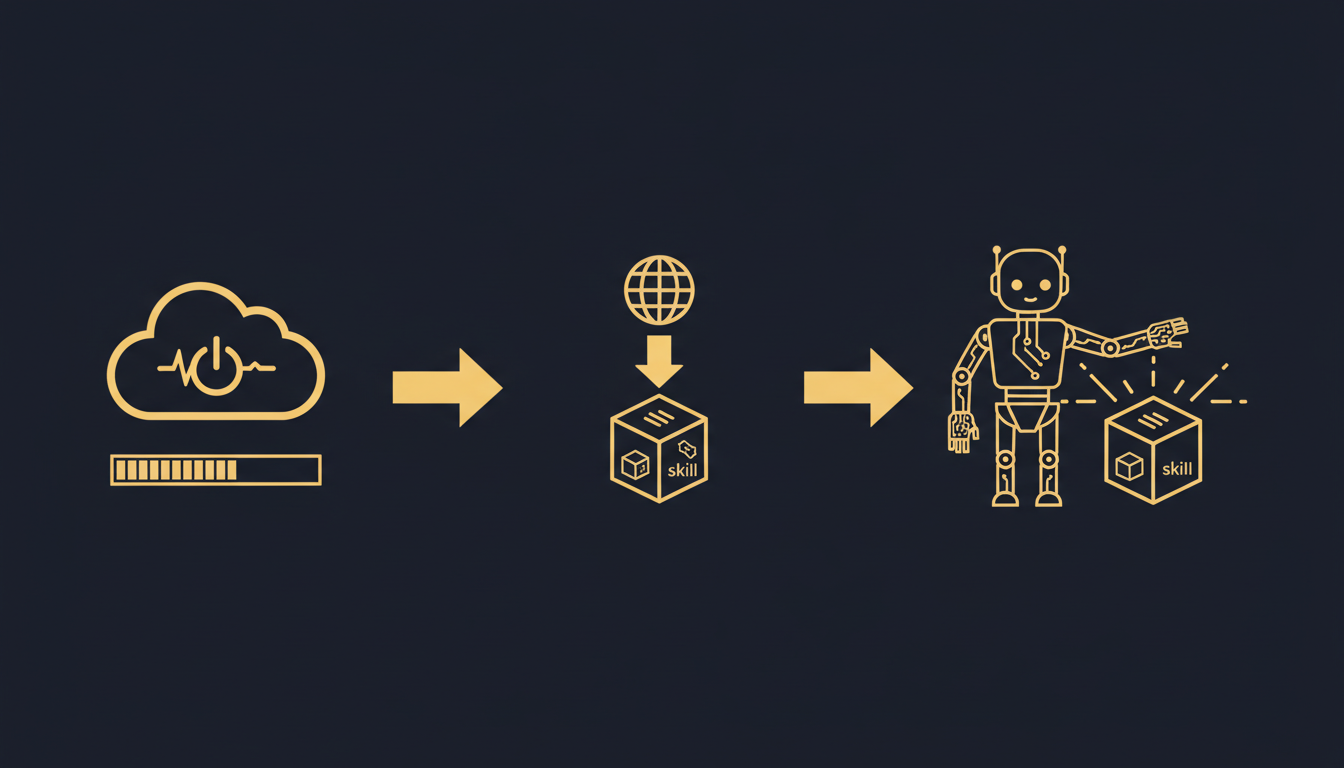
What Rebyte is building is, at its core, a browser for skills.
When you say "I want to use this skill," here is what happens behind the scenes:
First, a computer boots up. Not a container. Not a serverless function. A real cloud virtual machine with a filesystem, memory, and network access. This is the physical foundation for the skill to run — the same way a browser needs an operating system underneath it.
Second, the skill is fetched dynamically from the internet. The skill's code lives on GitHub, in a skill marketplace, at any public address. Once the computer is up, it automatically locates, downloads, and installs the skill. You don't need to "deploy" anything ahead of time — just like you don't need to download a webpage to your local machine before you can view it.
Third, an agent executes it. An AI agent reads the skill's instructions, invokes its capabilities, and completes your task. You can watch the entire process in real time — see what the agent is doing, what it's thinking.
Three steps. Boot a computer, download the skill, execute.
This is structurally symmetric with how a browser handles a URL: establish a connection, download the content, render the page.
The key point: the user doesn't need to understand any of these three steps. Just as you don't need to understand DNS resolution when you click a link, you don't need to understand how a virtual machine boots when you run a skill.
Open Protocol, Not Closed Platform
There's an important design choice here.
We don't require all skills to be published on Rebyte's platform. Skills can live anywhere — GitHub, GitLab, personal websites, corporate intranets. What Rebyte does is simply "go to that location, fetch it, and run it."
This matches the browser's philosophy exactly. A browser doesn't require all webpages to be hosted on a single platform. It just goes to whatever address you give it and fetches the content. Where the content lives is your choice.
This means the skill ecosystem is open. Anyone can write a skill, publish it anywhere, and anyone can run it through Rebyte. Skill authors don't need any relationship with us. Skill users don't need to know where the code is hosted.
This is what an open protocol should look like: creators and consumers don't need a direct connection. The protocol itself is the bridge.
Taking the Hyperlink Analogy All the Way
If skills are links and the execution environment is a browser, what's the equivalent of a hyperlink you can put on any page?
We built an embeddable "Run on Rebyte" button. Any website, blog, or documentation page can add one line of code and get this button:
<script src="https://app.rebyte.ai/embed.js"
  data-prompt="Use deep-research skill to analyze quantum computing breakthroughs">
</script>
A user clicks it, and Rebyte automatically boots a computer, downloads the skill, and executes the task.
This is the hyperlink of the skill world.
An <a href> tag takes you to a webpage. A <script> tag takes you to a running skill. The user experience is identical: click once, see the result.
And just as hyperlinks can appear on any webpage, this button can appear anywhere. Skill authors put it in their blog posts. Companies embed it in internal documentation. Education platforms integrate it into course pages. Every button is an entry point to an AI agent running in the cloud.
Configure yours at rebyte.ai/embed.
Why This Is Happening Now
The internet took a decade to go from "academic network" to "everyone's network." The turning point wasn't that webpages got better — it was that browsers got simple enough. After Mosaic shipped, ordinary people could "click once" to get online for the first time.
AI skills are at a similar moment. Capabilities have exploded. The open-source community ships new skills every day. But the barrier to use is still stuck at "you need to be a developer."
We believe the next thing that truly matters isn't making AI smarter (though that's happening too). It's making AI capabilities reachable. Letting every person, regardless of technical background, use these capabilities.
That requires an execution layer. A browser. Something you click once and it just runs.
We're building that.