Execution layer for enterprise agents.

Run agents in the cloud without building the execution stack.
Predefine their Skills and MCP servers, then control every run.

Run agents in the cloud

Define an Agent through the API or Rebyte CLI, then run it with the official OpenAI SDK or a connected product. Rebyte manages the execution loop while you keep control of the definition.

One Agent definition

Choose the model, instructions, Skills, tools, and maximum steps once. Every run starts from the same reusable configuration.

Managed execution

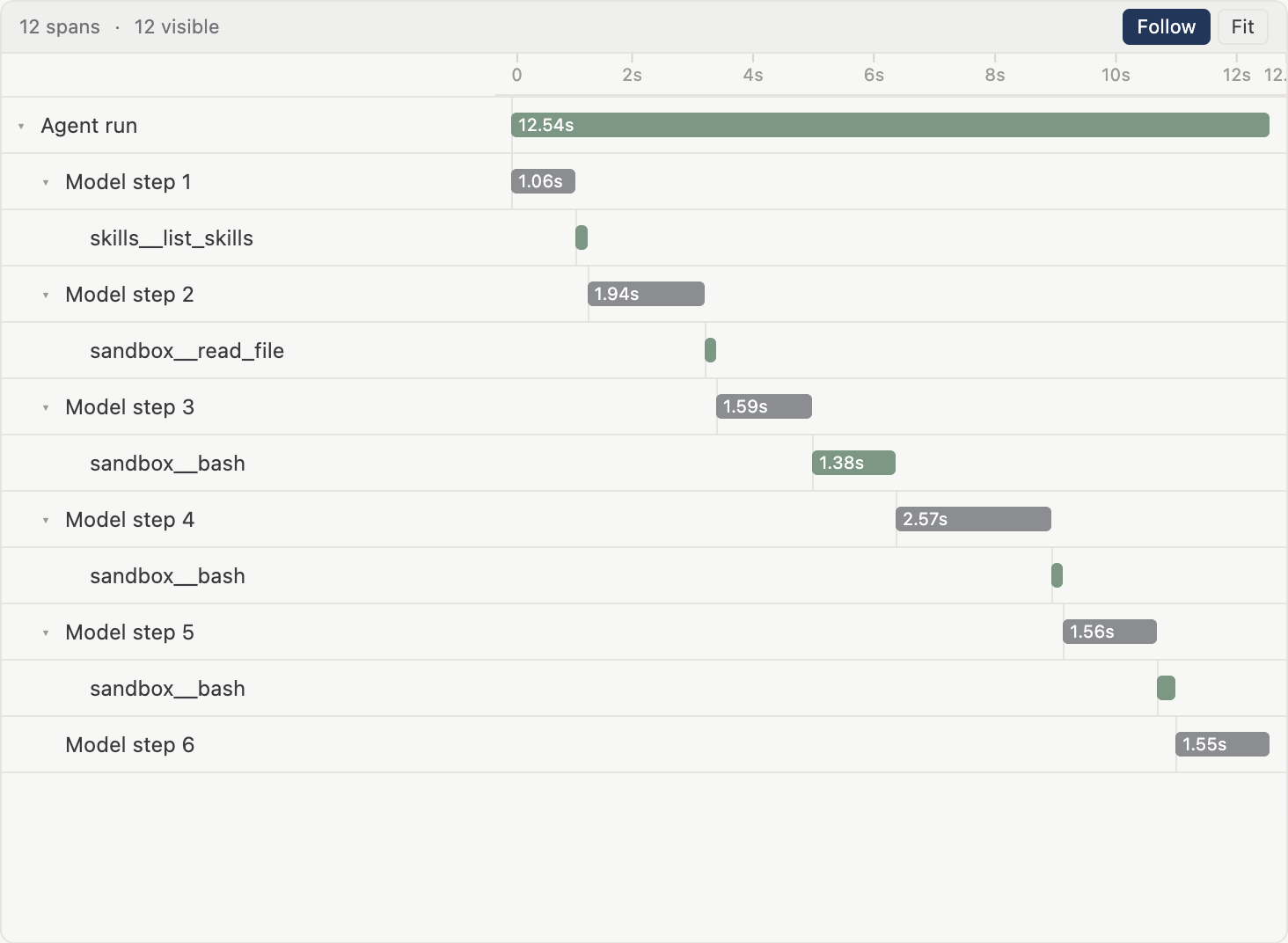
Rebyte runs the model and tool loop, streams each event, and returns a complete Response. You do not have to host an Agent server.

Durable Conversations

Continue work with one Conversation ID. Rebyte keeps the execution history so the client does not have to rebuild context on every turn.

Cloud runtime

Give tool calls an isolated browser, filesystem, and compute environment when the job needs more than a model response.

Every entry point

Start the same Agent from your backend, product UI, CLI, Slack, or another connected service without rebuilding the execution layer.
One API key starts the Agent. One Conversation ID continues the work. No execution service to build or operate.

Predefine Skills, MCP, and tools

Attach approved capabilities to the Agent definition before it runs. Use built-in tools, reusable Skills, MCP servers, and the business apps your Agent is allowed to call. Every Conversation starts with the same known toolset.
Skills + MCP and hundreds of connected apps

Control every run

The execution layer is where enterprise policy becomes concrete. Set the boundaries before the Agent starts; Rebyte enforces them while it works.Limit the work, keep secrets out of the model, and govern network egress without rebuilding those controls around every Agent.

Bound the work

Choose the model and maximum execution steps. Keep token use predictable and stop the Agent at the boundary you define.
Configure an Agent →

Protect credentials

Keep service credentials out of prompts and browser code. Make them available only inside the approved execution path.
Review production setup →

Govern network access

Control the external services the runtime can reach. Keep every other destination outside the execution boundary.
Read Runtime controls →

The execution contract is the product

Rebyte is more than a wrapper around a model call. These controls and lifecycle primitives stay consistent across every client.

Model and instructions

Pin the model and system instructions to the Agent instead of resending them from every client.

Token use and step limits

Set the maximum execution steps before work begins to keep long-running loops and token use inside a known boundary.

Reusable Skills

Attach reviewed procedures from a repository so every run follows the same operating knowledge.

MCP servers

Choose the approved MCP servers the Agent can call instead of letting each client assemble tools ad hoc.

Managed secrets

Keep provider keys and service credentials on the server side, outside prompts and browser bundles.

Network egress

Define which destinations the runtime may reach and keep the rest of the network out of scope.

Conversation state

Continue durable work with one Conversation ID while Rebyte retains the execution history.

Response streaming

Receive text deltas, tool-call progress, and the final Response through one OpenAI-compatible event stream.

Interrupt and inspect

Stop active work when needed, then inspect the Response and Conversation that remain on the server.
REBYTE FOR SLACK

Run the same Agent from Slack

Slack is another entry point to the same managed execution layer. The Agent definition, Skills, Conversation state, and runtime controls do not change.
Connect Slack
pull-requestsClaude + Codex
You9:41 AM
@claude review the retry logic in PR #142 before we merge.
ClaudeAgent9:44 AM
Review complete: one blocker
retry() has no backoff. Add exponential delay and jitter before merge.
You9:45 AM
@codex fix Claude's blocker and update the tests.
Same channel, shared context
CodexAgent9:49 AM
Pushed the fix to PR #142. Backoff and jitter are covered by 18 passing tests.
Ready to merge
  1. Install once for the workspace

    One admin connects Rebyte. Individual teammates do not need to install or configure another Agent client.
  2. Start from a DM or mention

    Send a private message or mention Rebyte in an approved channel. The same managed Agent starts the work.
  3. Pass files into the run

    Share files with the prompt and receive the Agent output back in the same Slack thread.
  4. Continue one Conversation

    Thread replies become follow-ups in the same durable Conversation, with the same Skills and execution controls.

Run your first Agent

Get an organization API key, define an Agent, and send an OpenAI-compatible Responses request. Add Skills, MCP servers, and Runtime controls when the job needs them.